Native report and history views contain illustrative sample findings; no hardware check was run for artwork.
See how it fits your day
Check. Review. Keep the findings.
Follow the guided inspection, confirm what you observe and return to the saved findings.
Illustrative sample report and history. No hardware diagnostic was executed.
1Follow guided checks
2Review each outcome
3Keep history or a PDF
Thirteen checks combine Android readings with your observations. Unknown, denied and skipped results remain distinct from a confirmed problem.
From the first check to the saved findings.
Inspect the things you use every day.
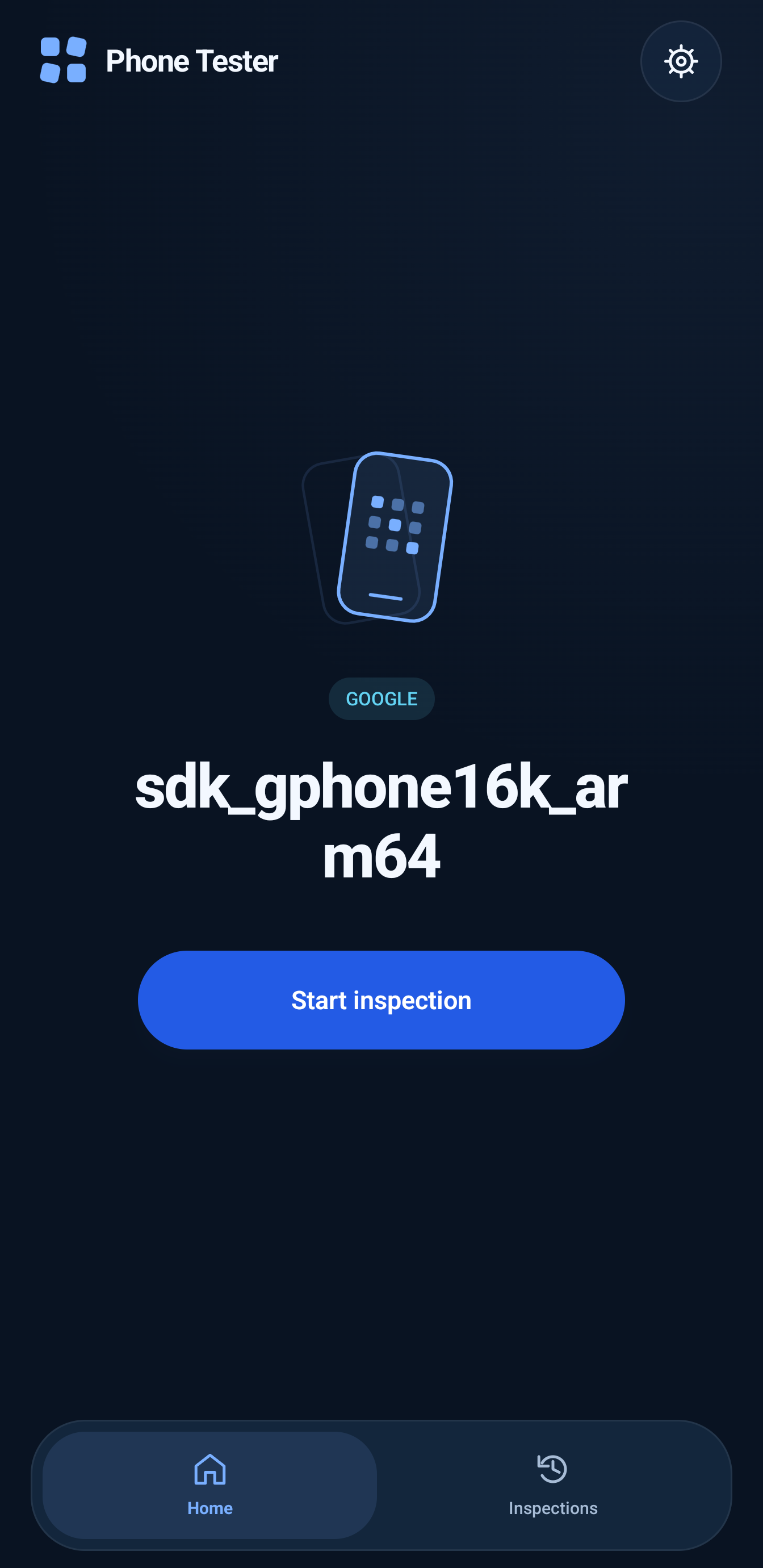
Home begins the native inspection. Sample findings illustrate the output; no diagnostic was run for artwork. The composition combines authentic native UI details with an explanatory graphic.
A warning is different from a failure.
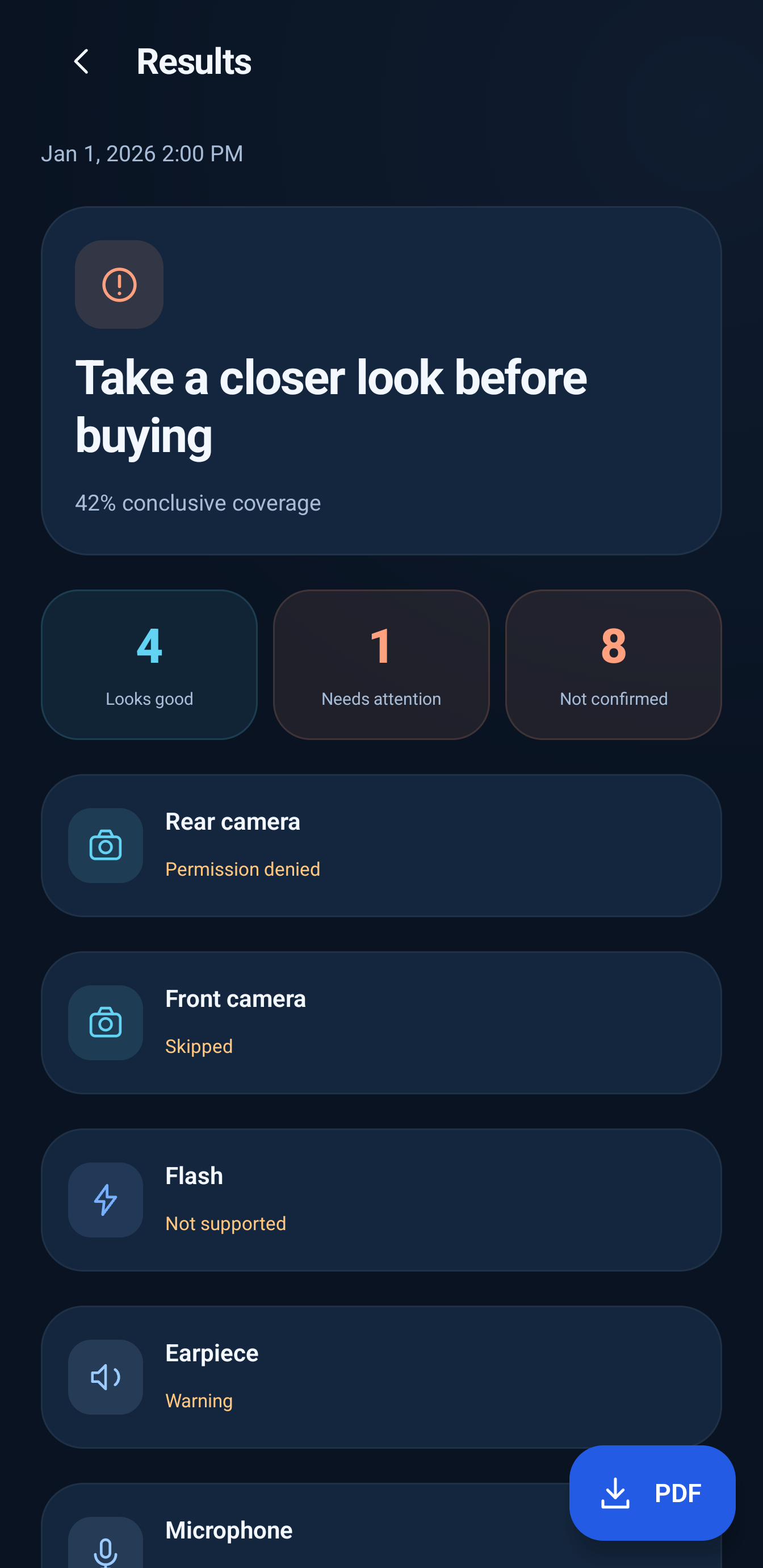
A truthful crop of the actual sample summary. Coverage describes conclusive findings, not phone health. The composition combines authentic native UI details with an explanatory graphic.
Keep the result in context.
Native sample findings retain Warning, Permission denied, Skipped and Not supported states. The composition combines authentic native UI details with an explanatory graphic.
Keep a record of the inspection.
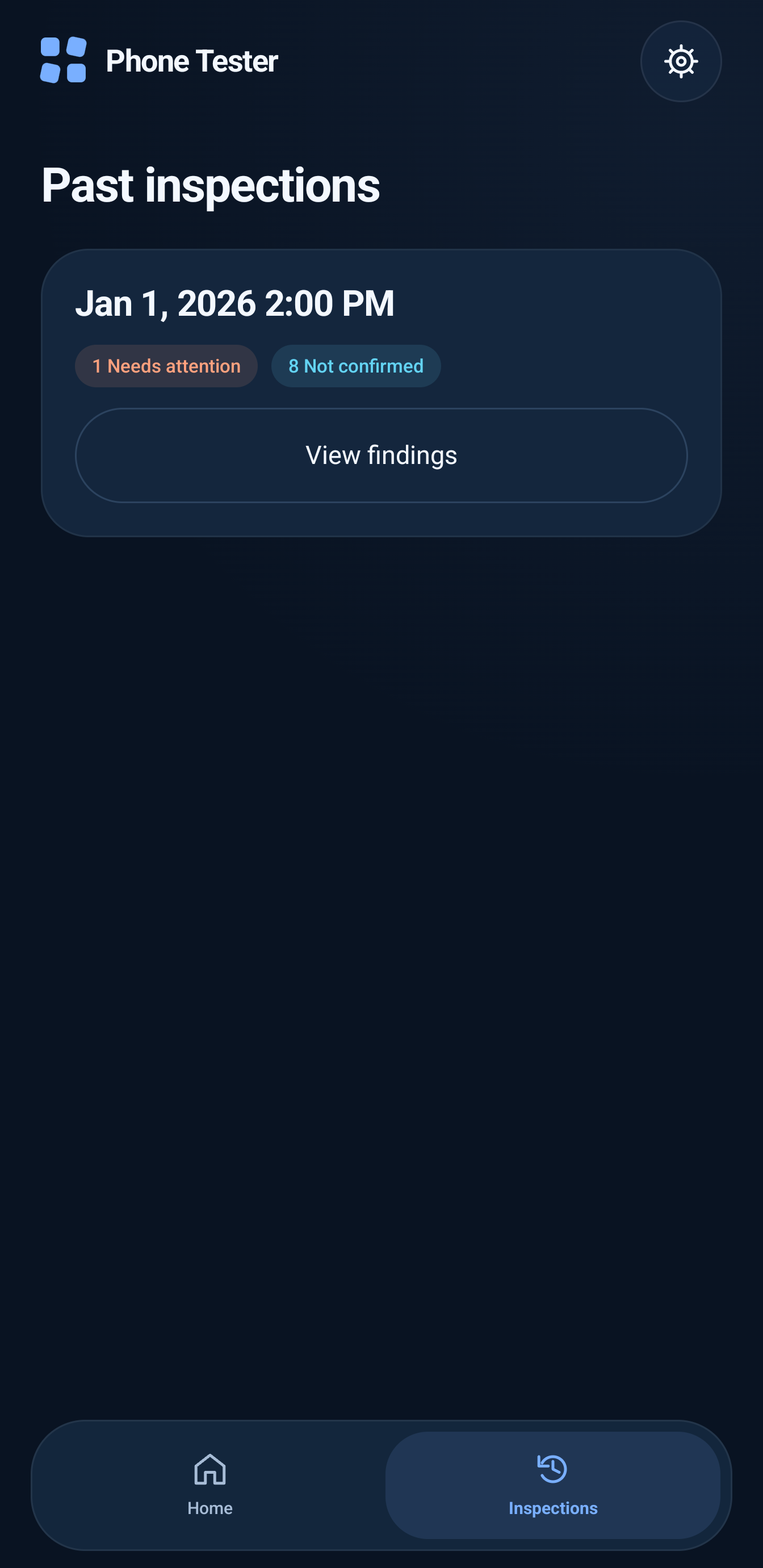
Actual local history with one isolated illustrative report. Original history was restored after capture. The composition combines authentic native UI details with an explanatory graphic.
Take the report with you.
The real PDF download control is visible. PDF creation was not executed during capture. The composition combines authentic native UI details with an explanatory graphic.
Manage the access each check needs.
Actual Settings with ungranted permissions retained. Samples never imply that access was granted. The composition combines authentic native UI details with an explanatory graphic.
What you can do.
Thirteen guided checks
Inspect display, touchscreen, rear and front cameras, flash, speaker, earpiece, microphone, charging, volume buttons, vibration, Wi-Fi discovery and Bluetooth discovery.
Visual and audio checks require human confirmation. Radio discovery does not prove connection stability or data transfer, and charging detection does not measure battery capacity.
Keep faults separate from unknowns
Results distinguish Passed, Failed, Warning, Unsupported, Denied and Skipped outcomes.
The interface uses labels such as Looks good, Needs attention and Not confirmed. An empty scan, timeout or incomplete touch grid is inconclusive. Conclusive coverage describes completed findings, not a phone-health score.
Saved inspections and focused rechecks
Finished and explicitly completed partial inspections save automatically. Recheck one component from the current results without starting another inspection.
Rechecks update the same current inspection. Starting a new inspection creates a new record; resetting unfinished progress preserves previously saved reports.
Download an inspection PDF
Save the current or a previous inspection directly to Downloads/Phone Tester.
PDF generation works offline and preserves previous downloads. Android 10+ uses Downloads without a storage grant; Android 8–9 requires version-limited PDF-download access. An installed external viewer is needed for Open PDF.
English, Arabic and both themes
Choose English or Arabic content and Dark, Light or System appearance in Settings.
Arabic content uses the bundled Noto Kufi Arabic font and RTL layout. App title bars keep their English/LTR order, while the Home and Inspections tabs keep a consistent physical order.
Android 8.0 or newer. Hardware features are optional; unsupported capabilities receive an explicit outcome.
Camera and microphone permissions are needed for their checks. Denying access must not block unrelated checks.
Wi-Fi/Bluetooth discovery requires the permissions, enabled radios and Location services appropriate to your Android version.
Several checks need you to look, listen, touch the screen, connect a charger or press volume buttons.
Support and limits.
An emulator can document navigation and layout; it does not establish the condition of a physical phone.
The app does not certify original parts, estimate battery-capacity health, guarantee long-term reliability or diagnose every possible fault.
GPS, general sensors, SIM/IMEI checks, repair guidance, report-photo attachments and direct sharing are outside this version's documented scope.
Current Google Play availability and final distributed-version acceptance were not checked.
A few useful answers.
What does Phone Tester inspect?+
Display, touch, both cameras, flash, speaker, earpiece, microphone, charging, volume buttons, vibration, Wi-Fi discovery and Bluetooth discovery. Several checks need your observation or participation.
Is conclusive coverage a phone-health percentage?+
No. It describes findings that reached a conclusion. Warnings, denied access, unsupported features and skipped checks remain separate from confirmed faults.
What happens if I deny a permission?+
Affected checks record the appropriate unavailable/denied outcome. Denying access does not block unrelated checks or prove a hardware failure. You can manage access later in Settings.
Can I recheck just one component?+
From the current report, recheck one component and return directly to results. That updates the same saved inspection. Older saved reports remain read-only; starting a new inspection preserves them.
Where does the PDF go?+
Downloads/Phone Tester. PDF creation works offline and preserves earlier downloads. Android 8–9 need the version-limited download permission; Android 10+ use Downloads without that storage request.
Does the app certify a used phone?+
No. It does not guarantee original parts, diagnose every possible fault or certify long-term reliability. Radio discovery is not connection-quality testing, and charging detection is not battery-health measurement.
Accounts and data.
No account or backend is required. The reviewed manifest has no Internet permission and disables Android app backup.
Inspections and settings are stored privately on the device. Temporary camera/audio media is cleaned up; discovered Bluetooth identifiers and Wi-Fi names are not saved as report findings.
Downloaded PDFs remain in Downloads until you delete them. Opening one grants the selected viewer access to that document.